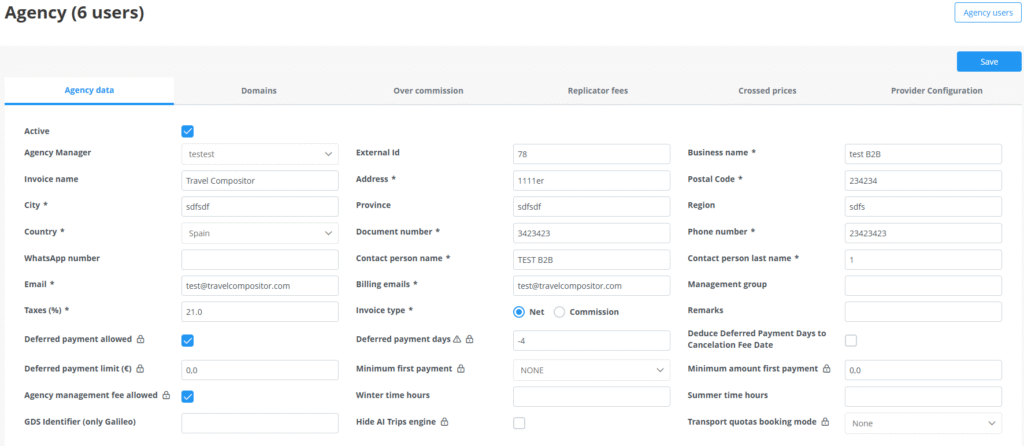
If you have a collective or white brand type of microsite and would like to change your contact details shown in the microsites footer, you can do so by entering the agencies profile in the back office. You must edit the data of the agency your user is associated to.
If you are entering without loging or your have a personalized microsite, you will have to enter the microsites default agencies profile.
Once entered, you will see the contact details that are showing in the microsites footer and can change it.
If you have a personalized footer you will have to contact your account manager to perform any kind of changes.