
First you will have to create a user for him going to the back office IDEAS & USERS—- USERS making sure that you give him the profile CONTRACT SUPPLIER.
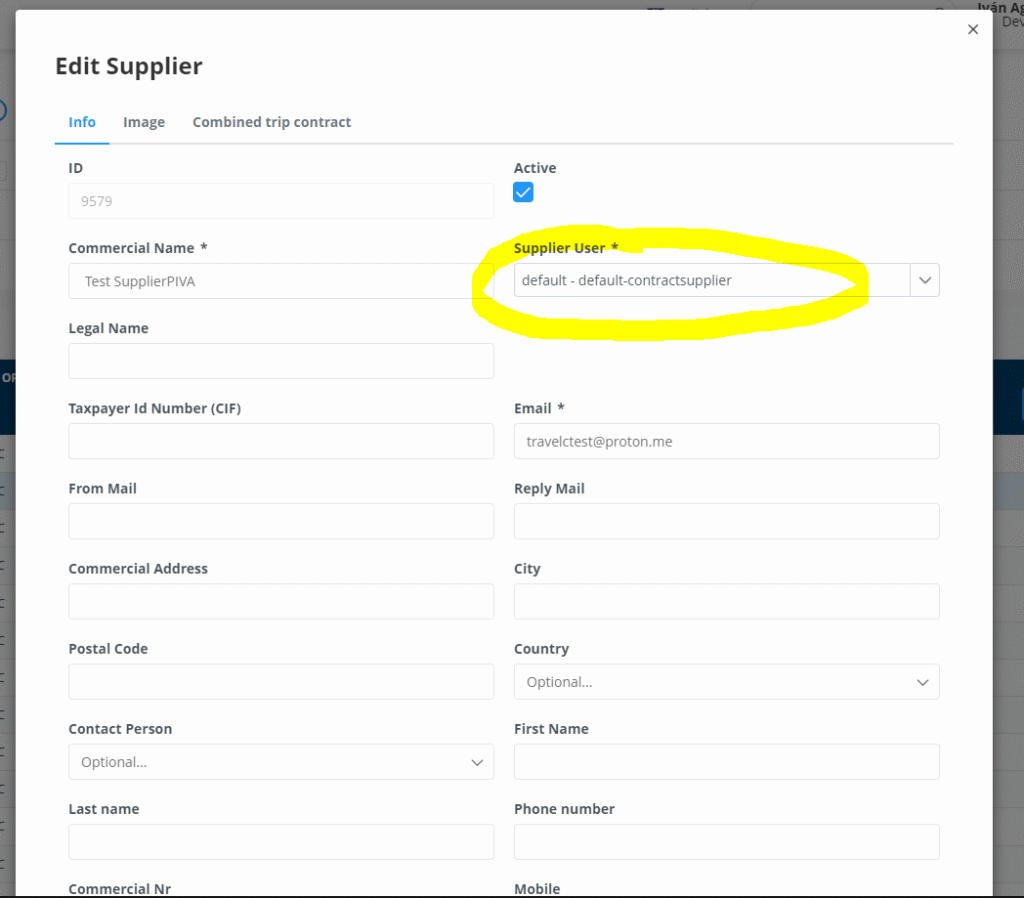
Afterwards we can create the supplier going to the back office CONTRACTS —SUPPLIER INFO and bellow clicking on NEW SUPPLIER. Here we will have to make sure that we select the previous created user. By doing this we are creating a link between the user, supplier and future loaded contracts where you have to select to which supplier do they belong to. This user will only see the contracts that are linked their supplier.