

This feature allows to create a new booking manually from scratch in the back office DATA —> BOOKINGS section
First of all you must make sure that your user has te correct profiles and permits.
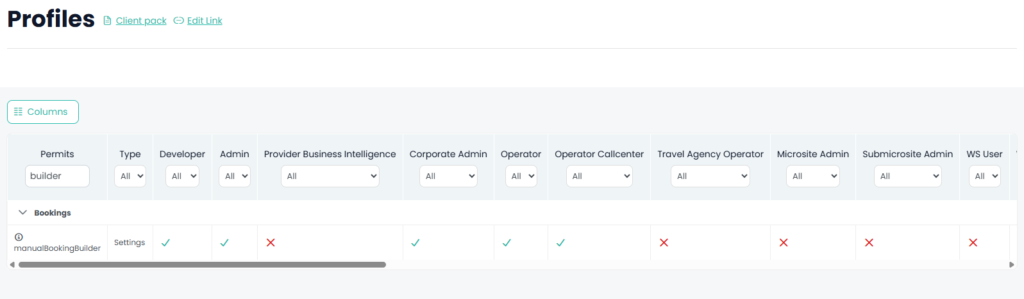
You will also view this button if your user has the custom permit

If you still don’t see the button, please make sure that the microsites where you are trying to use this feature has the deposit payment method activated. This is required because the manully created booking will be configured like it was paid by deposit.
To activate the deposit payment in a microsite, it mut be done by an operator profile users by entering the back office section MICROSITE —> MICROSITE SETTINGS.