

The remarks are shown during the booking process in the passengers tab. We receive the remarks from the providers but it is also possible to insert your own remarks.
In this screenshot we have first the general remarks that can be edited by entering the literal
web.passenger.remarks
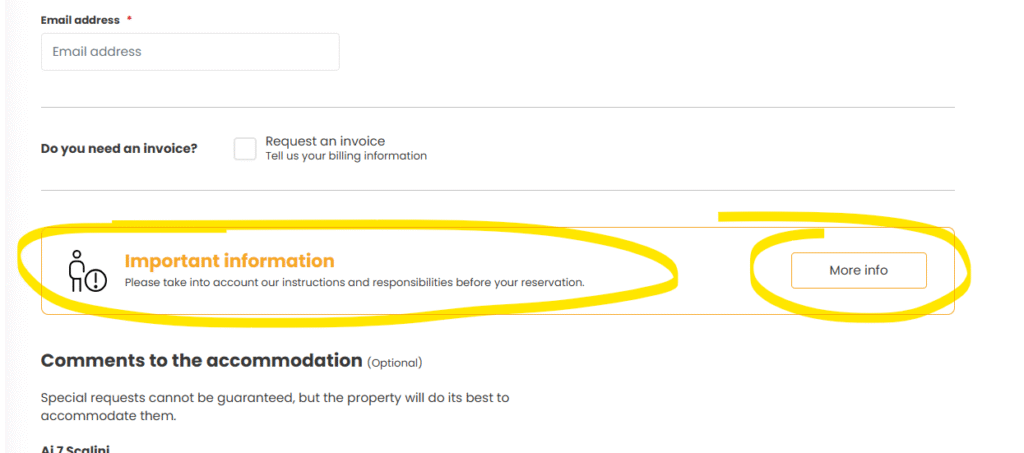
In the back office option web content —-> TRANSLATION&SEO
The second remark is the static text that the provider is sending us. This is not editable and depends 100% on the provider.
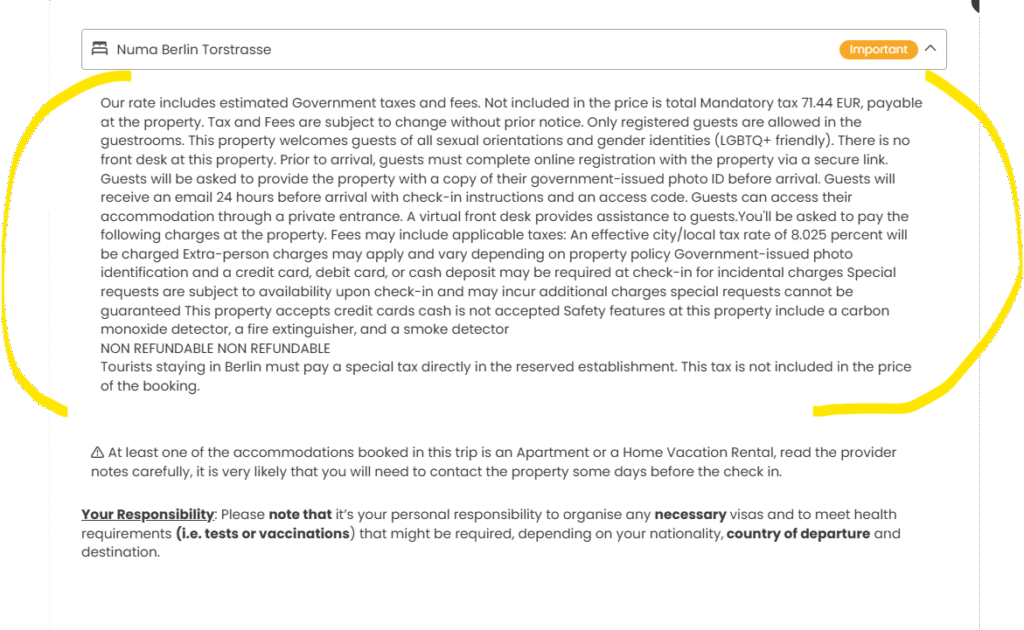
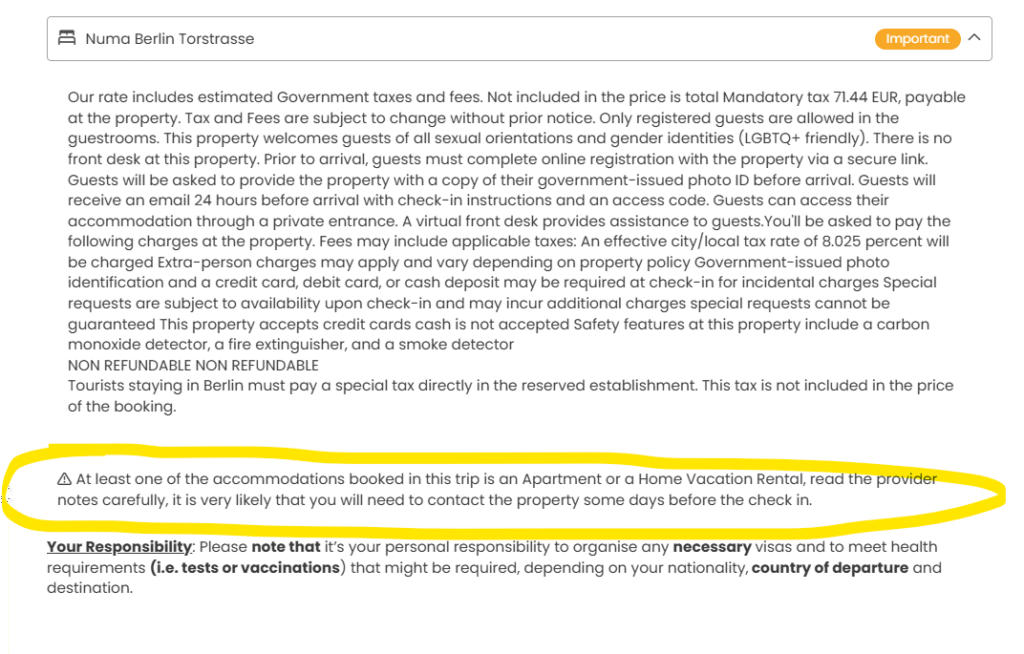
If your are booking an apartment or rental house this additional remark will show
You can configure it by searching the literal web.passenger.remarks.house in the back office option web content —-> TRANSLATION&SEO
And finally the following text:
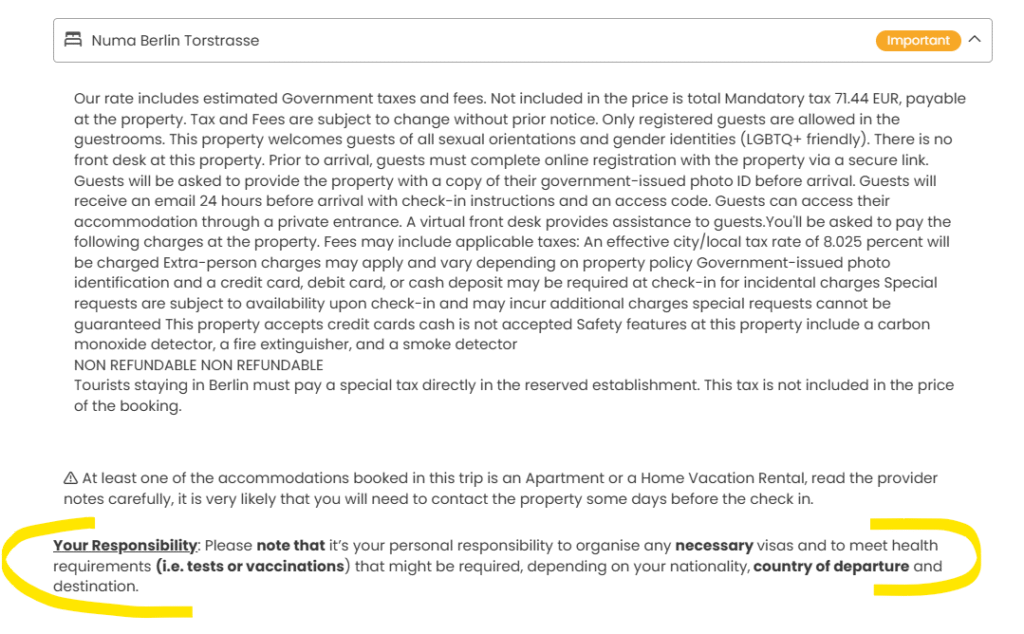
Can be configured by searching the literal web.passenger.remarks.passports in the back office option web content —-> TRANSLATION&SEO
Other possibility is to add a remark by ariline, provider or to be shown in travel ideas or packages (holiday packages). In this case the remark will only be shows if we are booking with that airline, providers or booked from an idea or package.
More information on how to configure remarks here