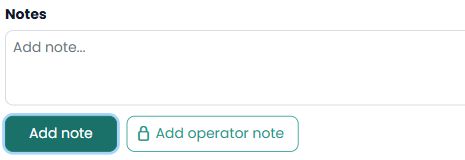
An operator note is an internal note for authorised operations and administration profiles. To store internal information, open Data > Bookings, enter the booking and use the Notes section.
Enter the text and click Add operator note. Add note and Add operator note are separate actions; explicitly use the latter when the information must remain internal.
Voucher remarks are edited separately and can appear in the document sent to the customer. Do not use the voucher field for internal information.
Example: a follow-up instruction for the team, such as Review the issue with operations before contacting the traveller, belongs in Add operator note. An instruction the traveller needs on their voucher belongs in the service remarks on the voucher.