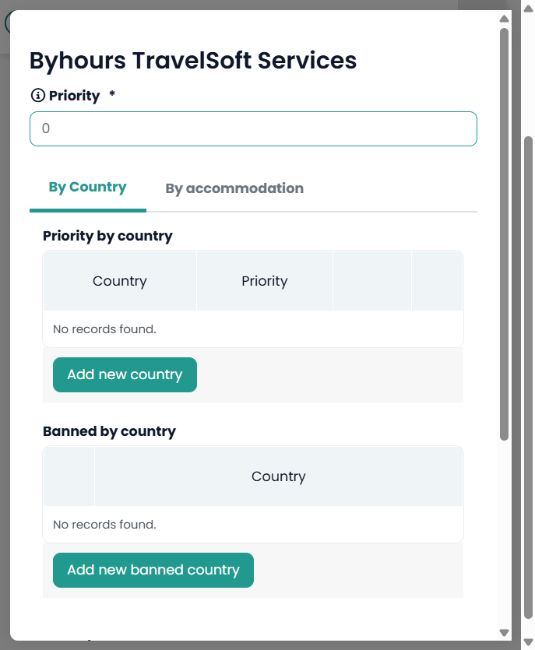
Go to Web content > Provider Priority, check the selected microsite and locate the accommodation provider. Click Edit and open the By Country tab.
To prevent that provider from offering accommodation in a country, use Banned by country > Add new banned country. Select the country, add the rule and save the configuration.
Priority by country changes the provider preference; Banned by country blocks it within that scope. Setting priority to 0 does not block the provider: 0 is the lowest priority.
Example: to keep a provider for other destinations while excluding its hotels in Spain, add Spain only to that provider’s Banned by country list and then check a new search.
This procedure applies to accommodation providers. Transport rules use the separate transport configuration and its own scope.